WiniOS
A private bridge between a Windows PC and an iPhone: text and image clipboard over authenticated HTTPS.
- Year
- 2026
- Status
- Private beta (0.1.x)
- Rust
- Win32
- Axum
- Rustls
- iOS Shortcuts
- Inno Setup
WiniOS 0.1.3 pre-release · Windows installer, 4.6 MB · no admin rights needed · Release notes
01 The idea
Copy on the PC, paste on the phone, and the other way round, without a cloud relay. A native Rust agent watches the Windows clipboard, serves it over HTTPS on the private network only, and iPhone Shortcuts send and receive through it.
02 Screens
03 The problem
Moving a snippet of text or a screenshot between a Windows PC and an iPhone usually means a chat app, an email to yourself or a cloud clipboard. WiniOS keeps that hop on the local network and under the owner's control.
04 How it works
- A single Win32 thread owns the clipboard: a message-only window registers AddClipboardFormatListener and reacts to WM_CLIPBOARDUPDATE. There is no polling.
- Failed clipboard access retries on one-shot timers (20 to 640 ms) without blocking the message loop; a newer copy cancels an older retry.
- An Axum API on Tokio serves authenticated GET and POST endpoints for text and, when enabled, PNG images.
- iPhone Shortcuts call those endpoints to send and receive. A type endpoint returns only the kind and an opaque version, so a single Receive Shortcut can branch safely.
05 Security decisions
- HTTPS by default through Rustls (TLS 1.2 and 1.3), including on loopback. No HTTP fallback on the port.
- Bearer authentication on every clipboard endpoint.
- Binds only to loopback or a specific private (RFC 1918) IPv4 address; wildcard, public and IPv6 binds are rejected, and only private or loopback peers reach the API.
- Missing or mismatched certificates fail startup before binding. Changed clipboard observations fail closed instead of returning the wrong data.
- No clipboard contents are written to disk. Images are off by default and capped at 2, 4 or 8 MiB.
06 The Windows companion
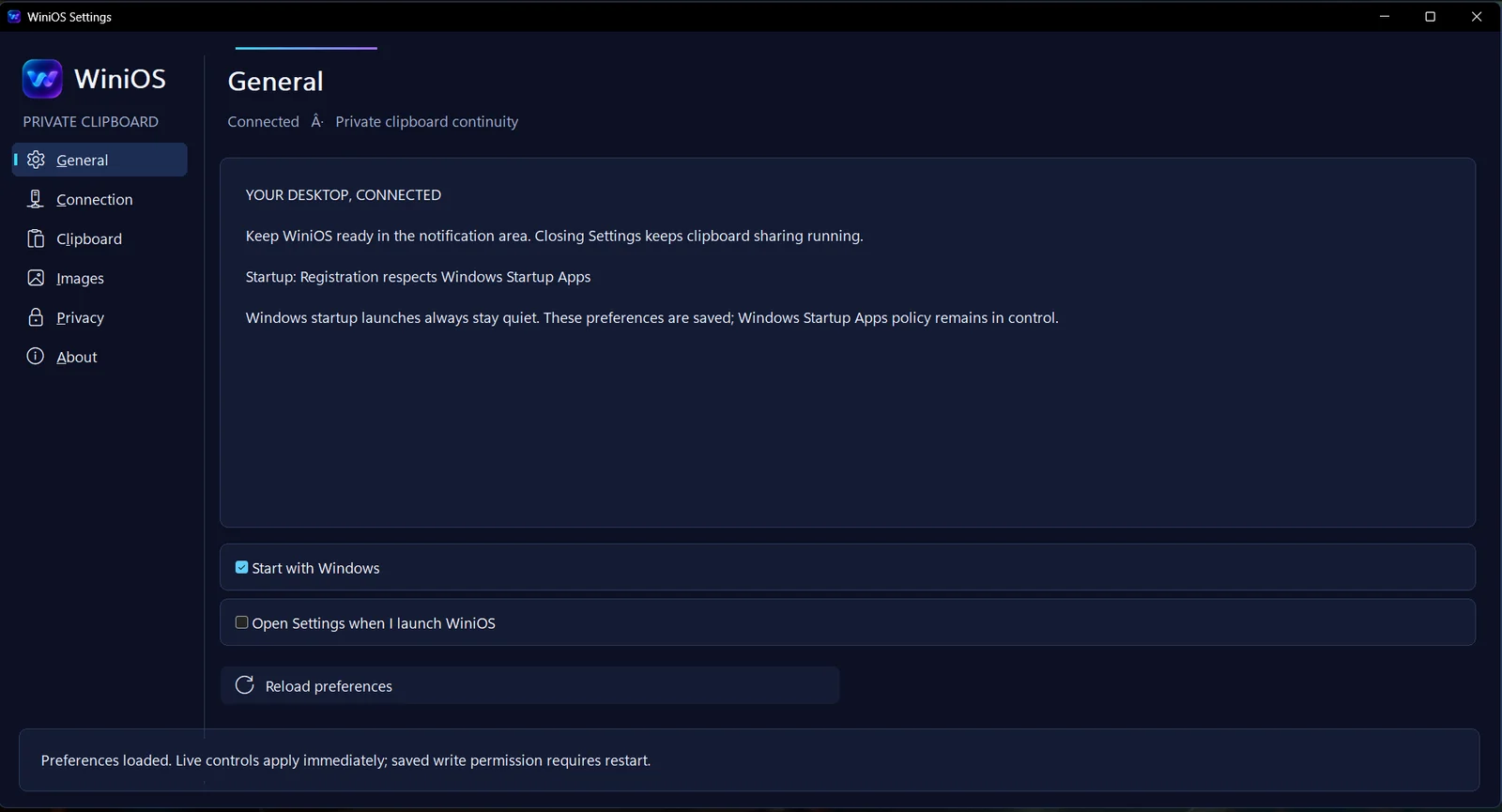
A tray app with a native popup and a Settings window (General, Connection, Clipboard, Images, Privacy, About), a per-user installer built with Inno Setup that needs no admin rights, and optional update checks that never download or install anything on their own.
07 Status
Private beta. The Windows clipboard core and HTTPS layer are covered by the project's own tests; verified real-device iPhone performance is not claimed here.
08 Architecture
- iPhone ShortcutsSend and Receive shortcuts
- HTTPS + BearerRustls, TLS 1.2/1.3, private network only
- Axum APIAuthenticated text and image endpoints on Tokio
- Win32 clipboardOne message-loop thread, WM_CLIPBOARDUPDATE